
Why the comparison matters
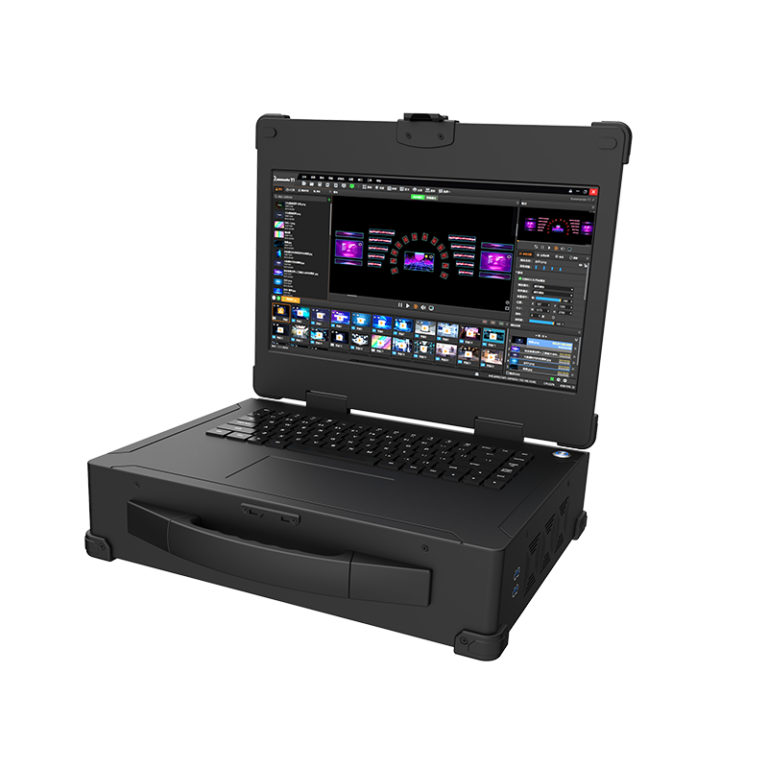
Folks tend to lump all video wall gear together, but that’s a mistake. When yer livin’ with tight budgets and tight schedules, the choice of a video wall controller changes how folks see yer message. Startin’ off right means thinkin’ about what the screen’s gonna do — signage, live events, or a control-room rig — and matchin’ the controller to that purpose. If you need reliable playback and multi-zone handling, consider a playback media server early on in the shortlist; it’s a different beast than a plain scaler and often saves grief down the road.
Where controllers really differ
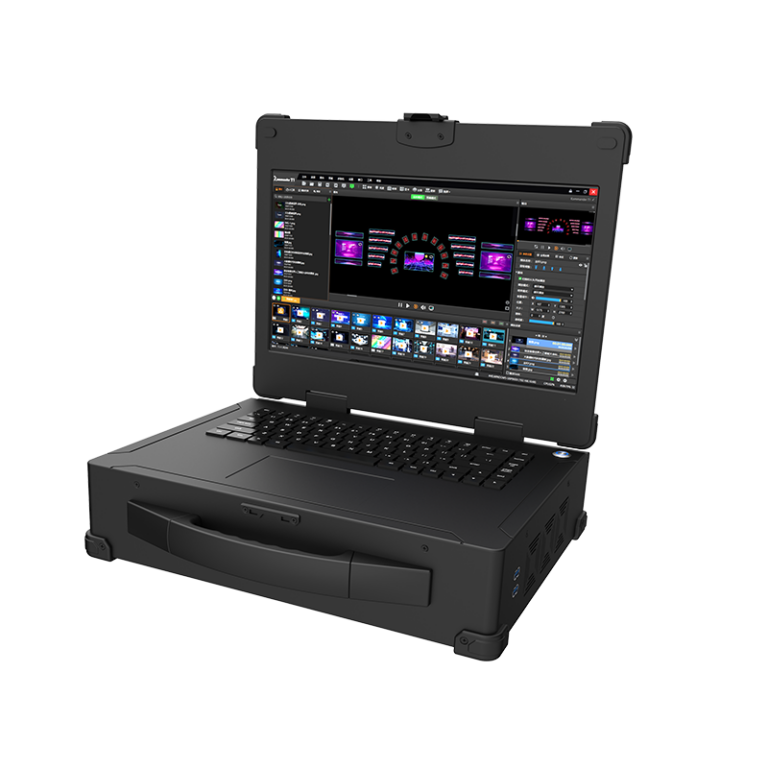
Not all controllers handle inputs, outputs, or sync the same. Some are built for raw pixel-push — drivin’ LED walls at native resolution — while others manage lots of layers and sources. Key bits to watch: how the unit manages sync across panels (frame rate locks), latency under changing loads, and whether it has built-in redundancy for long runs. You’ll see mentions of LED controller, frame rate, and resolution in spec sheets; those’re the concrete bits that tell you if a controller fits your install or if it’s gonna wrestle you for months.
Comparative rundown: three common setups
Layin’ ’em side by side helps. First, hardware-first video wall controllers give low latency and reliable sync for LED walls at big venues. Second, software-driven controllers paired with a solid playback media server are flexible and let you swap layouts on the fly. Third, cloud-assisted setups lean on network streaming media to bring content in from afar — handy for remote updates or multi-site networks. Each has trade-offs: hardware-first = predictable performance; software + server = flexibility; cloud = convenience but watch yer bandwidth.
Real-world anchor: Lessons from big installations
I’ve seen this in places like Times Square where displays run twenty-four seven — they don’t tolerate flakey sync or surprise reboots. Big publicly visible installs show that redundancy and reliable playback workflows matter more than flashy features. Network streaming media can be a boon for updating content across sites, but the devil’s in the delivery. Keepin’ local playback caches and a dependable playback media server saves you from last-minute panic when a network hiccup rolls through.
Common mistakes folks make
Most mistakes ain’t pretty and they’re avoidable. Folks pick a controller because it’s cheap, without checkin’ actual outputs or the resolution limits. They forget to test real-world content under load — lots of layered HD clips can up the latency. They also skip planning for maintenance access and spare parts. — A quick note: always factor in firmware update processes; some systems need onsite techs for what others do over Ethernet.
How to evaluate like a pro
When you size up controllers, judge on these fronts: native resolution support, the robustness of sync (genlock or equivalent), and how playback gets managed — local server or streamed. If yer using networked sources, test sustained bandwidth and the server’s ability to keep up with simultaneous outputs. Look for clear monitoring tools and graceful failover so a single hiccup don’t black out yer whole wall.
Advisory: Three golden metrics to pick the right kit
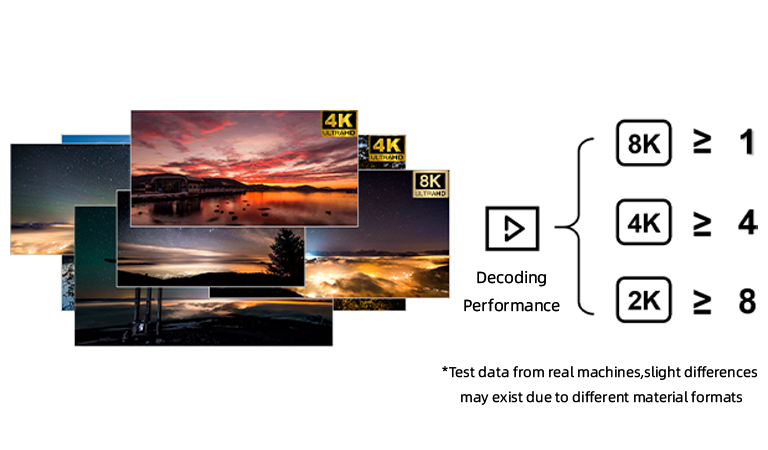
1) Sync reliability — measure how the controller keeps frame rate and timing across panels under peak load. That’s the single biggest factor for a clean image. 2) Content throughput — test the playback media server’s sustained output: can it handle multiple 4K streams or layered media without dropping frames? 3) Recovery time — how fast does the system switch to backup or recover after an input or network failure? Shorter is always better for public-facing walls.
Pick a controller that meets those metrics and yer install will behave. For many uses, that means pairing a capable video wall controller with a proven playback media server, backed by sensible network streaming media practices. Kystar sits in that space with gear and workflows that aim to keep displays lookin’ steady and dependable — the sort of thing you want when folks are watchin’ your work all day, every day. —